Running poster with your route and time
A marathon, half marathon, 10 km or a mountain ultra — upload a file from your watch, and the poster will draw the route and calculate distance, time and pace automatically. You only need to add the name of the run.
Create your poster →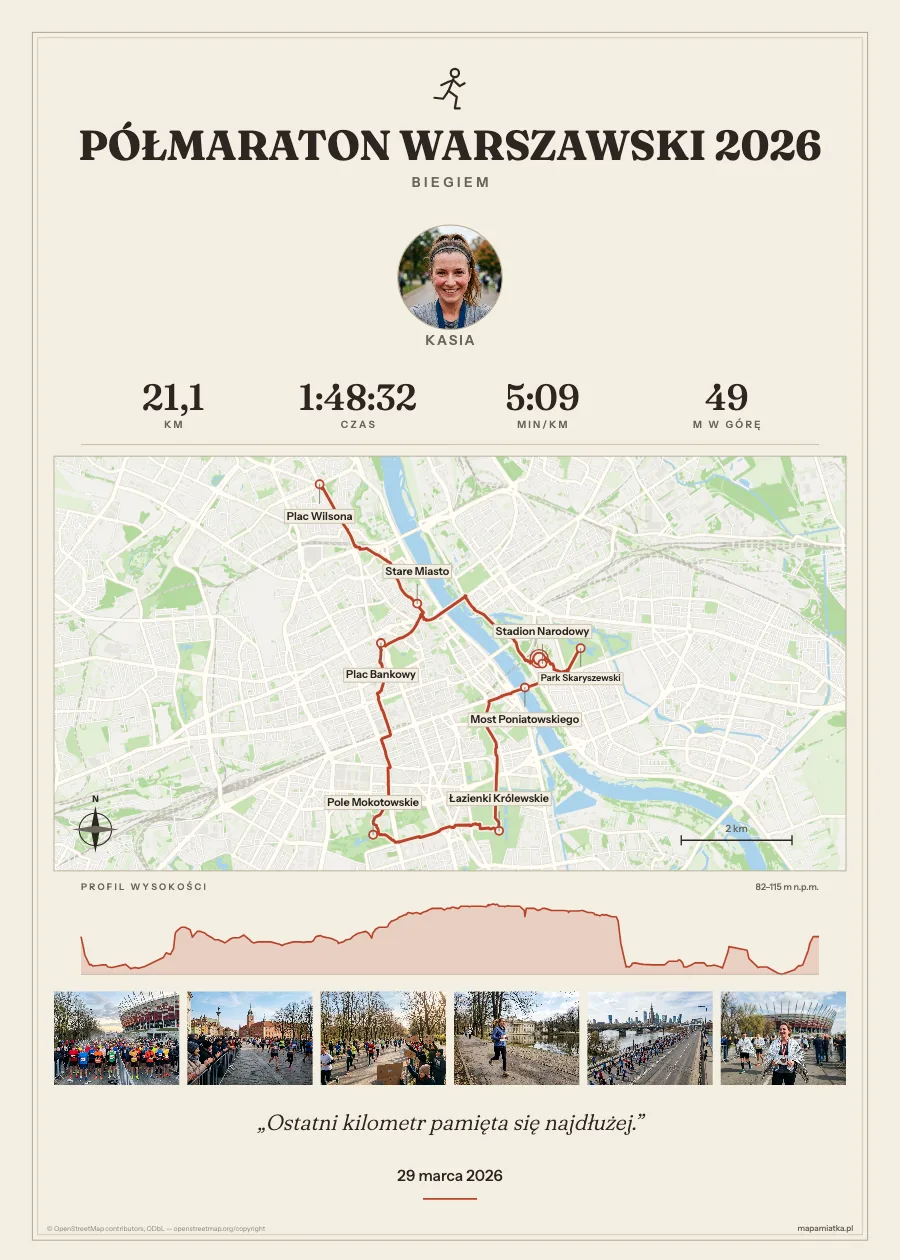
What your poster will include
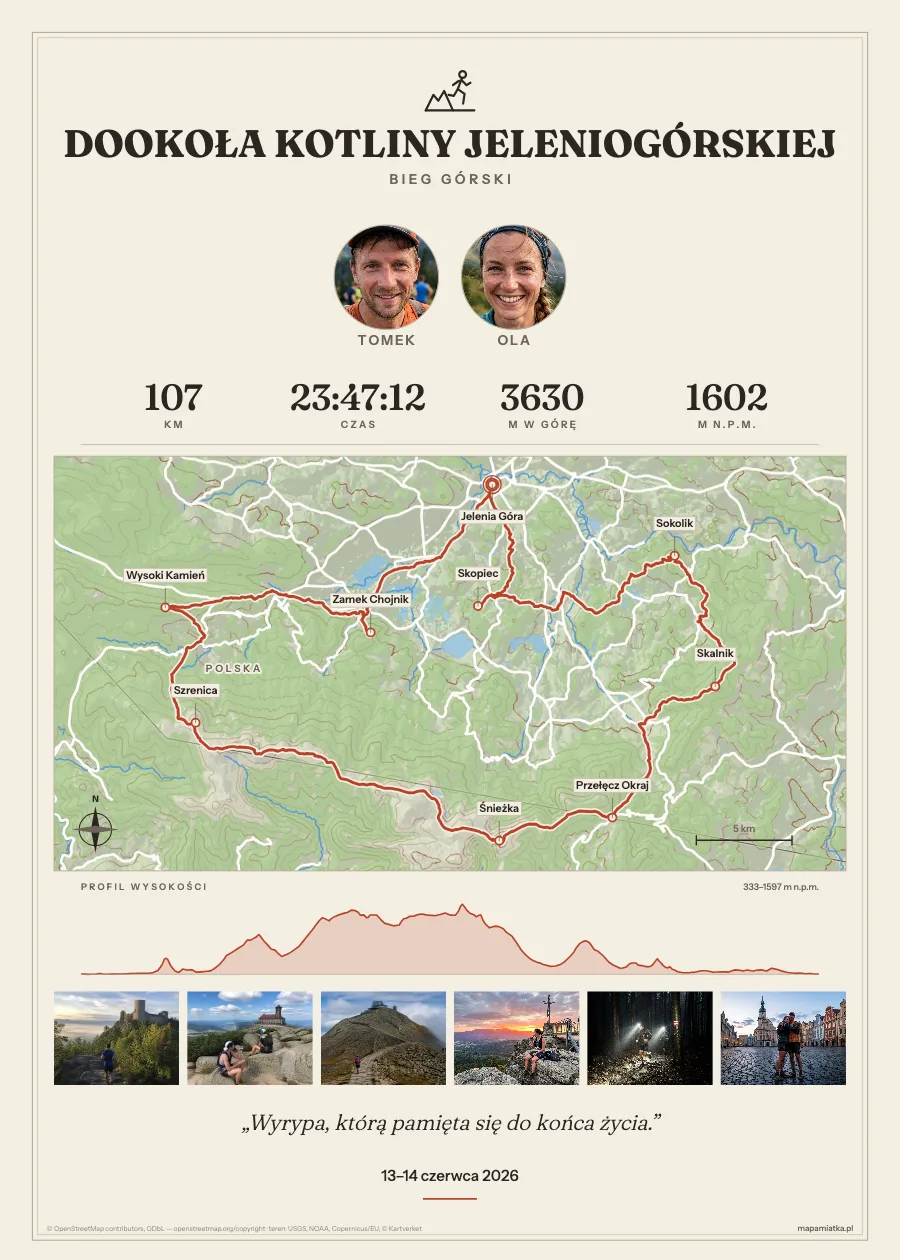
- Your running route on a city map or a terrain map showing mountain relief
- Distance, time and pace per mile — calculated from the file; you can adjust them manually
- For trail runs: feet climbed and an elevation profile
- Name and date of the run, a photo of you or your whole team
- A quote or motto — for example, about the final mile
How it works — three steps
- Upload your running file
A GPX or FIT file from Garmin, Coros, Suunto or Polar, or an export from Strava. No file? Enter the start and finish.
- Choose “Running” or “Trail running”
The poster will show time and pace or elevation gain. The activity type is suggested automatically based on the speed recorded in the file.
- Add the run’s name and photos
The preview updates live. You receive the print-ready 300 DPI file right after payment.
Questions
Will the time on the poster match my official result?
We calculate the time from your watch file. If the organizer recorded a different time (for example, chip time), enter it manually in the creator — your poster will show your official result, and the pace will be recalculated automatically.
My run has several laps or a pause — will it work?
Yes. The route is drawn as you ran it, and gaps in the recording do not count towards the distance.
Can I make a poster of a trail run or ultramarathon?
Yes — choose “Trail running and ultra”. The poster will show a terrain map with relief, feet climbed, an elevation profile and your time.
Which format should I choose?
You can print A4 (and often A3) at home. 30×40 and 50×70 fit affordable IKEA frames, while A3, A2 and A1 fit ready-made frames from Empik or Allegro. Every format costs the same.
Ready in a few minutes
Live preview, no account needed. You only pay once you like your poster.
Create your poster →